51


A new update with some changes to Calli has been posted. Enjoy! 🙂
We are sorry for the inconvenience, but you will have to redownload the game to receive the new updates. Again you will not lose your save. Hopefully, this is the last update before we have an auto-patcher ready.


52
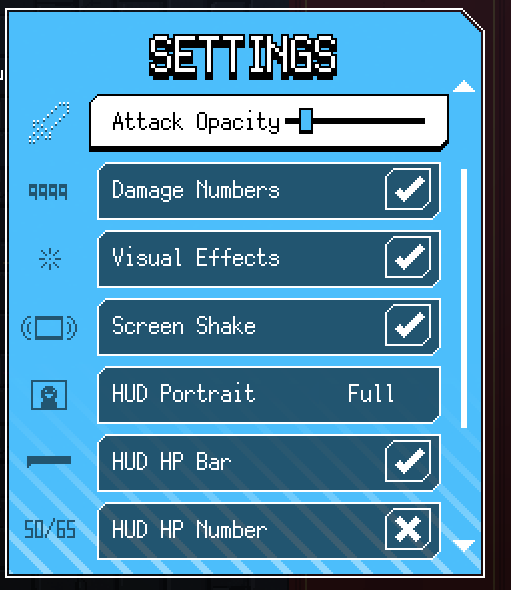
0.5 will add several new graphical options as well!
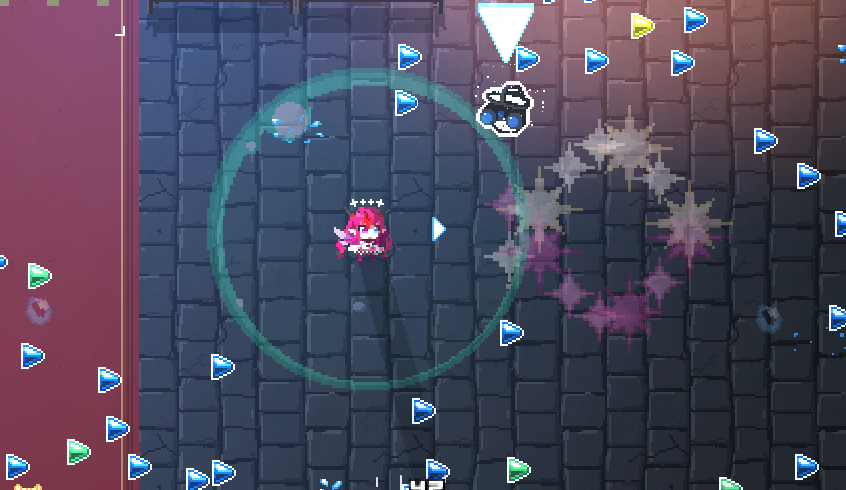
If you've ever had trouble seeing things due to having too many effects on screen, you can now reduce the opacity on attack effects. Hope this helps!
53
Once again, music done by the AMAZING @eufrik
55
I wonder what else you may be able to redeem with your tears 🙂
56
皆様おはようございます!
ホロキュアVer.0.6には新要素「ランダムNPC」が「ランダム名」で登場される要素が実装される予定です。 ランダムで表示される名前をユーザーの皆様が投稿でき、ゲーム内に反映されます。 投稿される場合は以下のGoogle Formに投稿して下さい! 気軽に投稿して下さい!
57
@kaelakovalskia In all seriousness thank you very much for playing and congratulations on every clear 😊
We're already working on 0.5 yes (but may take a while, sorry!!!!!!!!!)
58
[INFORMATION]
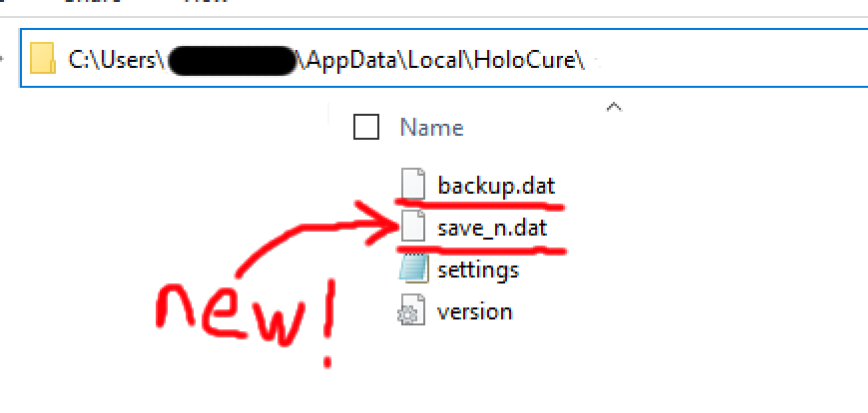
Update 0.5 uses a new save system. On First launch from 0.4 -> 0.5, your previous save file will be recreated into "save_n.dat", while your old file will be renamed to "backup.dat"
"save_n.dat" is a new type of save file that can be transferred to other devices
59
@hakosbaelz Mumei said no
twitter.com/nanashimumei_e…
60
Fixed a number of reported bugs, and added input guides on menus for more clarity. Please feel free to redownload the game at your convenience.
You will NOT lose any save data when downloading a new build. All you need to do is replace all the files in the game directory
61
There should be no issues loading your previous save file from update 0.4.
However, if you feel at risk, it may be advisable to create a copy of your current save.dat file to place somewhere else.
62
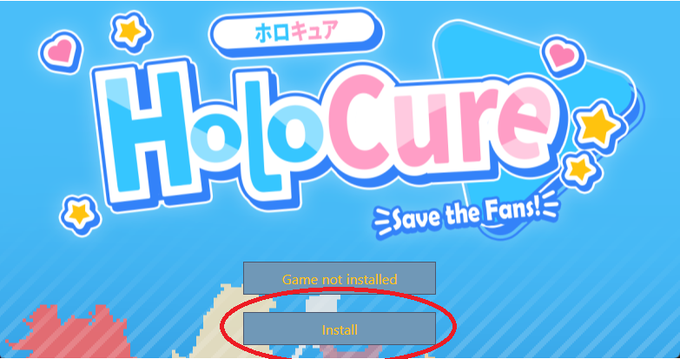
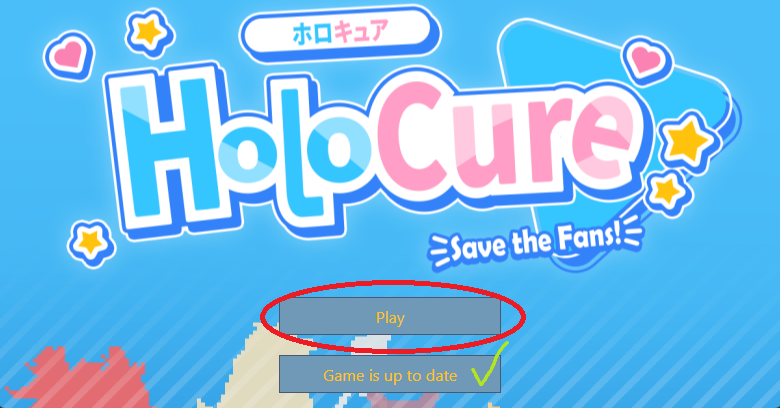
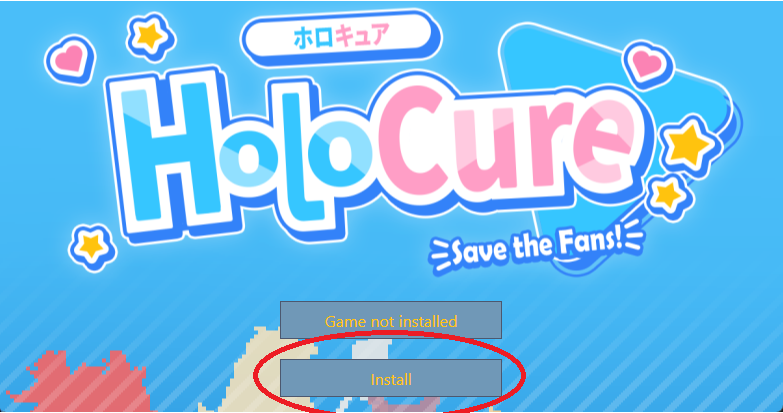
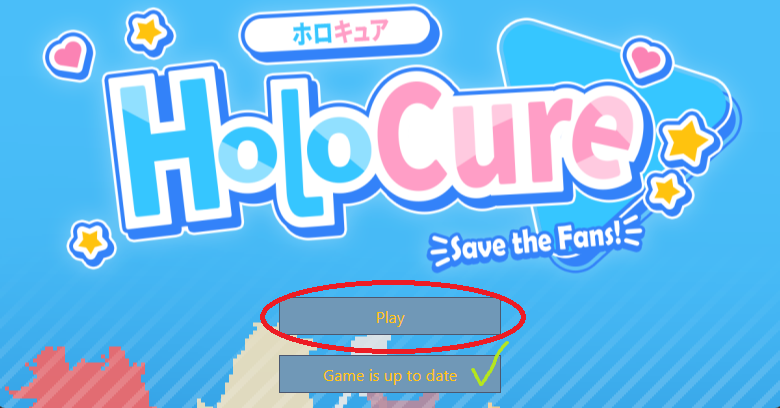
When the Game Launcher window appears, you will see the options to Play or Install/Update your game. Click the second button to update your game to the newest version, or you can click Play to start the game.
As long as you use this Game Launcher, you can keep your game updated!
63
ゲームランチャーが起動したら、ゲームを「プレイ」するか、「インストール/アップデート」するか選択する事が出来ます。
二つ目のボタンをクリックする事でゲームを最新版にアップデートする事ができます。
このゲームランチャーを使用する事でゲームの最新版をプレイする事が出来ます!

A free unofficial fan game with Hololive members. We are NOT affiliated with Cover or Hololive in any way.
Download at kay-yu.itch.io/holocure