1


Fixed a number of reported bugs, and added input guides on menus for more clarity. Please feel free to redownload the game at your convenience.
You will NOT lose any save data when downloading a new build. All you need to do is replace all the files in the game directory


2
A new update with some changes to Calli has been posted. Enjoy! 🙂
We are sorry for the inconvenience, but you will have to redownload the game to receive the new updates. Again you will not lose your save. Hopefully, this is the last update before we have an auto-patcher ready.
4
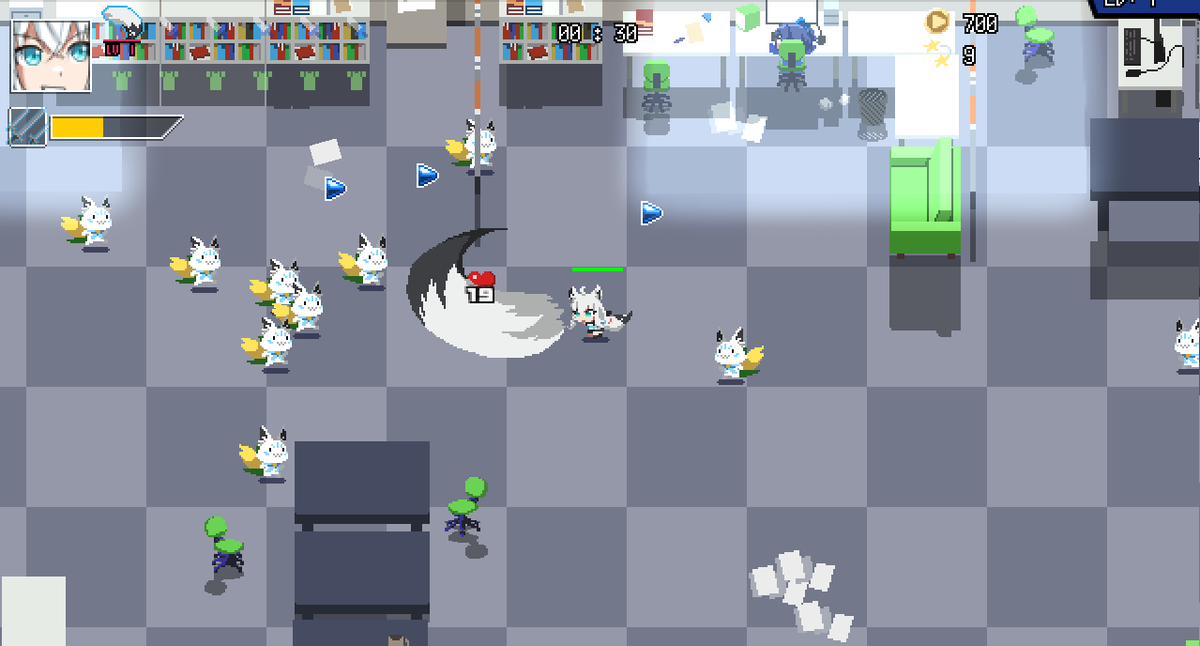
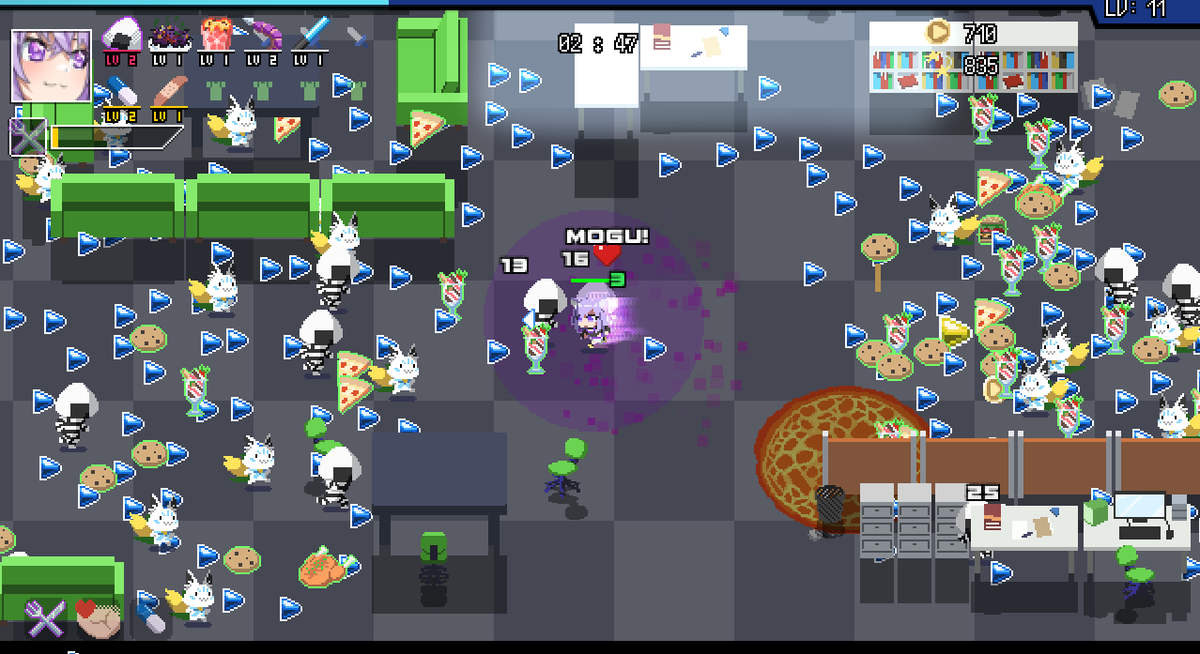
Just to keep expectations, new content update probably won't be for a little while! Aiming for August.
For now wanted to show some teasers so you can rest assured we're not stopping or slowing down any time soon. Thanks for understanding! (:
7
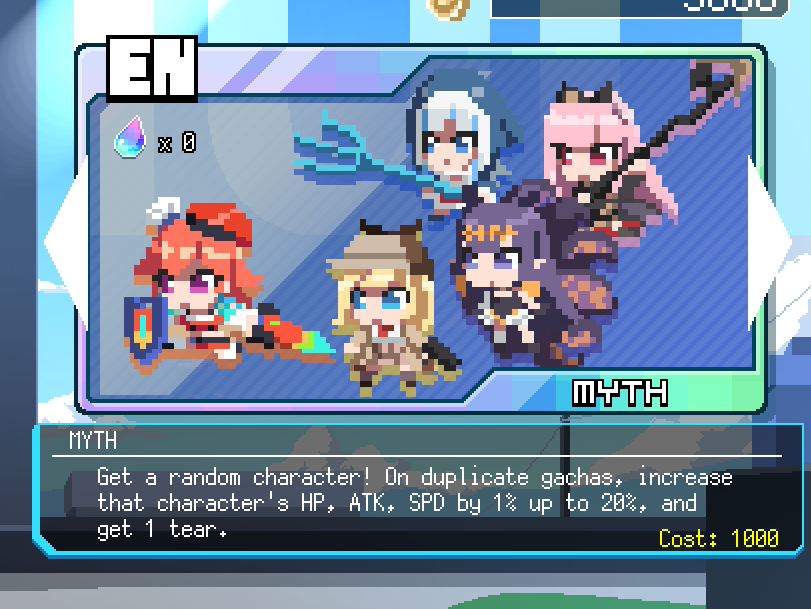
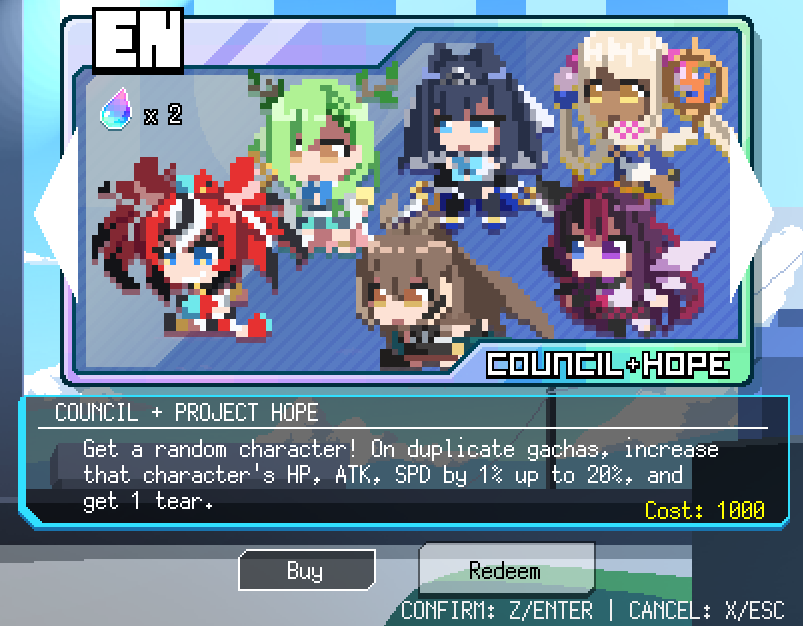
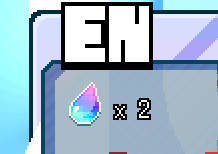
Introducing the Gambler's Tears System!
When getting duplicates of any character in one Banner, you will also receive 1 Gambler's Tear.
If you have 7 or more Tears, you may redeem the collected Tears and choose a specific character from that banner!
8
I wonder what else you may be able to redeem with your tears 🙂
9
To be clear, this feature is not released yet, but will be added in the next major update.
Unfortunately it will probably have to be late August, IF NOT early September. (We all got pretty busy with work, sorry!!!)
On the bright side, there will be more content than you think!
12
Once again, music done by the AMAZING @eufrik

14
Want to see an early sneak peak of HoloCure update 0.4? Check out Kiara's stream tomorrow! twitter.com/takanashikiara…
16
On release, we will explain how to install the new Game Launcher, which will automatically update your game
You can
A) download the game alone, just like before
or
B) download the new Game Launcher
With either method, your old Save Data will be safe. No progress will be lost.
17
HoloCure update 0.4 is now released!
Enjoy!
18
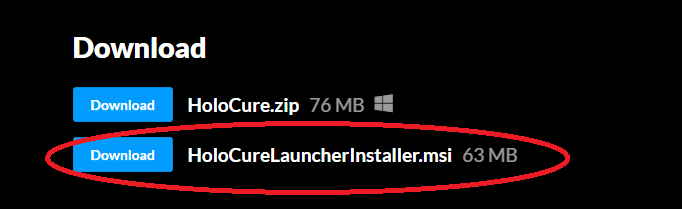
This is a guide on how to install and run the new Game Launcher. By using the Game Launcher, it will keep your HoloCure app always updated for the future!
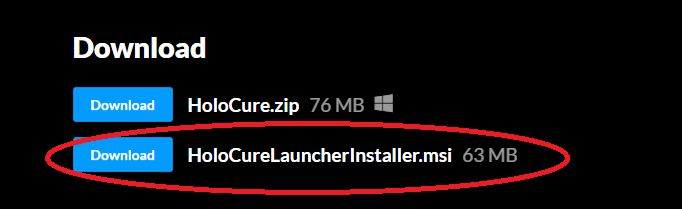
First, download the "HoloCureLauncher" Installer from the webpage
19
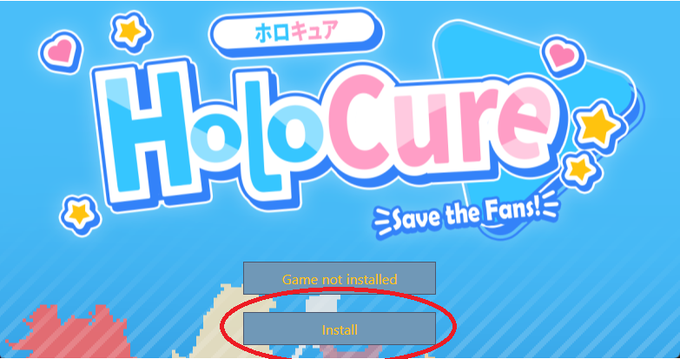
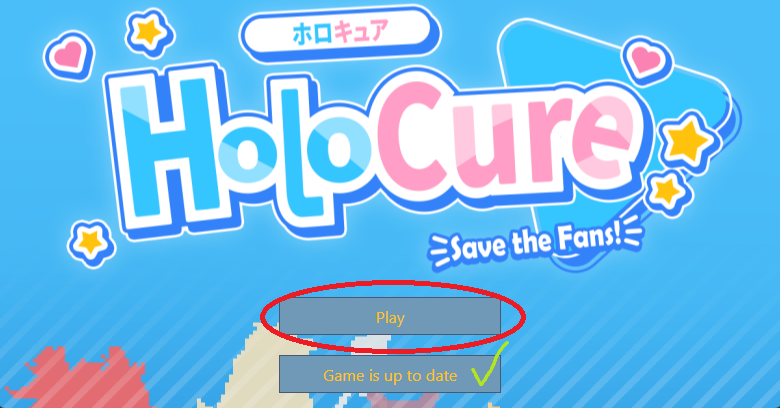
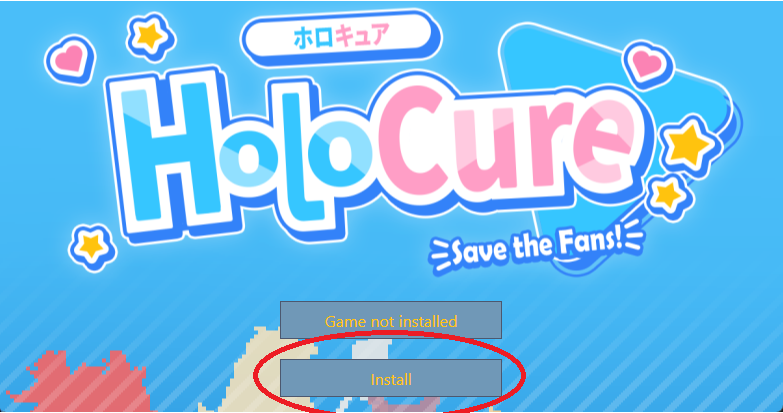
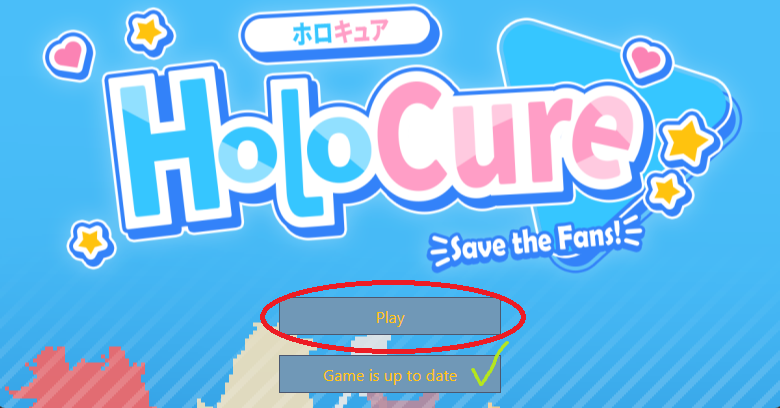
When the Game Launcher window appears, you will see the options to Play or Install/Update your game. Click the second button to update your game to the newest version, or you can click Play to start the game.
As long as you use this Game Launcher, you can keep your game updated!
20
新しいゲームランチャーのインストール方法は以下の通りです;
ゲームランチャーを使用する事により、ゲームが新しく更新されても、自動的にアップデートする事が出来る様になります!
初めに、「HoloCureLauncher」をサイトからダウンロードしてください。
21
ゲームランチャーが起動したら、ゲームを「プレイ」するか、「インストール/アップデート」するか選択する事が出来ます。
二つ目のボタンをクリックする事でゲームを最新版にアップデートする事ができます。
このゲームランチャーを使用する事でゲームの最新版をプレイする事が出来ます!
22
After installing the game with the launcher, the game may prompt you to enter your Name and other settings again. Your progress data should still be there, it is only asking you to re-enter your settings, which are separate from save data.
23
Small quick update!
Fixed a number of bugs, made adjustments to enemy hitboxes, and minor changes on Sora and some items!
If you are using the launcher, you can just press the update button to receive the newest build.
25
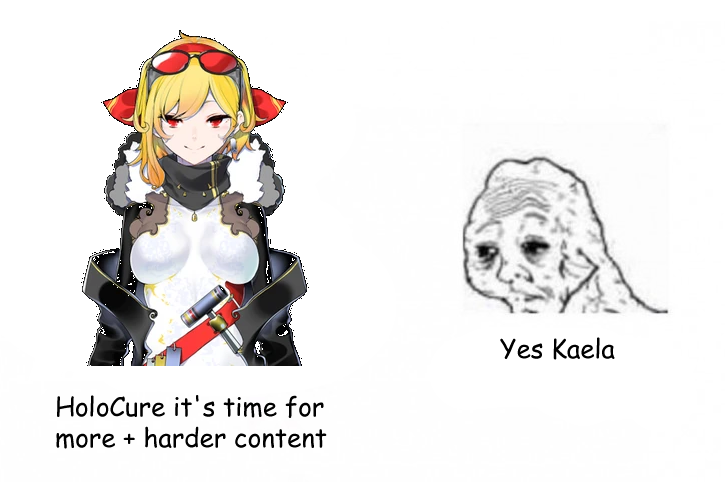
@kaelakovalskia In all seriousness thank you very much for playing and congratulations on every clear 😊
We're already working on 0.5 yes (but may take a while, sorry!!!!!!!!!)

A free unofficial fan game with Hololive members. We are NOT affiliated with Cover or Hololive in any way.
Download at kay-yu.itch.io/holocure